
WhatsApp Voice to Text: Transcribe WhatsApp Audio in Seconds
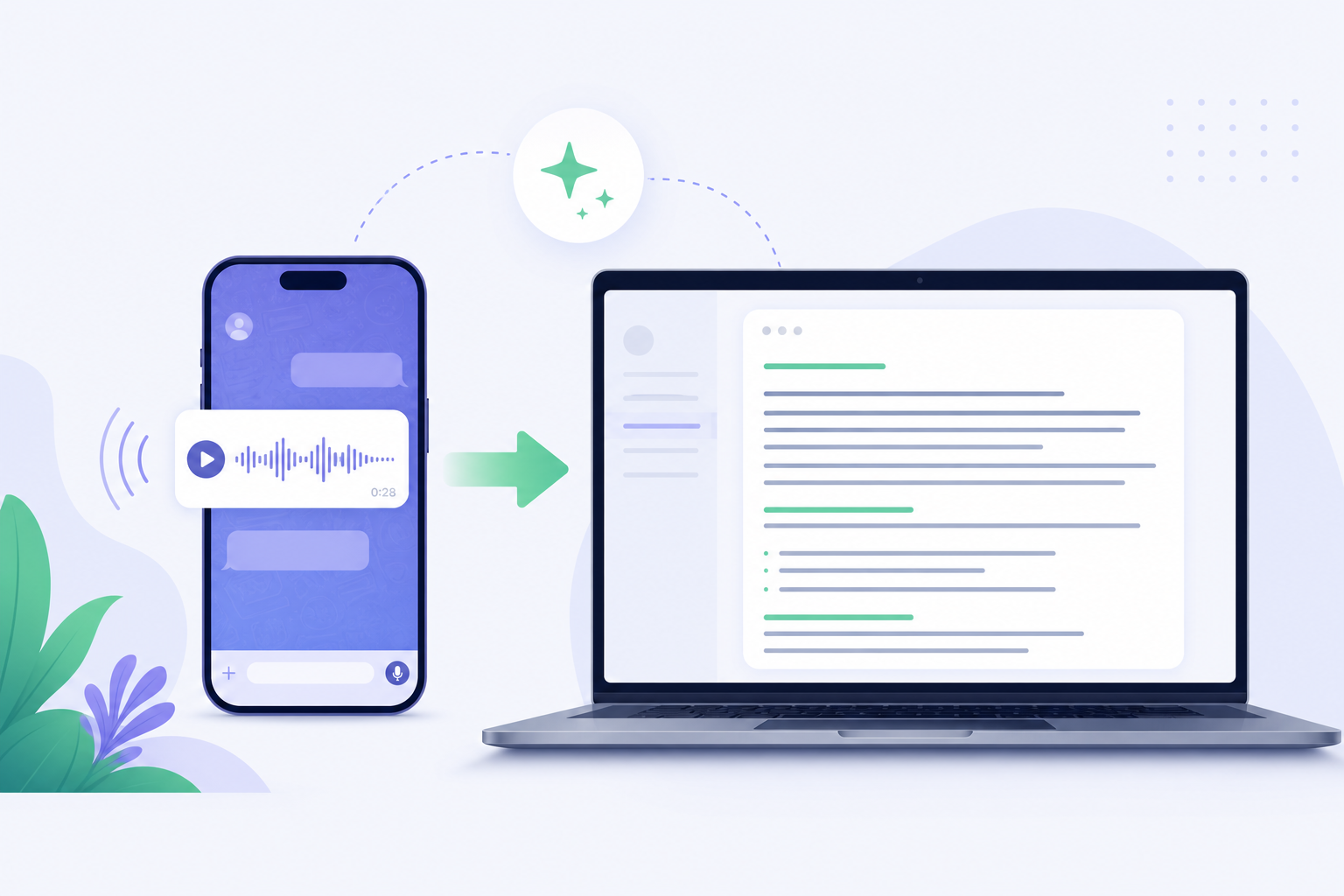
Forward any WhatsApp voice note, audio file, or video to SpeakMate and get the transcript back in the same chat. No app to install, no downloading or uploading. AI speech to text that works inside WhatsApp.
- Free account to start
- Voice notes, audio and video
- Reply in under a minute

Scan with your phone camera
+1 447 744 7780Save the number, then forward voice notes to it any time. To keep a copy of every transcript in your account, link your number after you sign in.
How to Convert WhatsApp Voice Messages to Text
The fastest way to transcribe WhatsApp audio to text is to never leave WhatsApp. Three steps, and the first one you only do once.
- 1
Open the SpeakMate chat
Scan the QR code or tap the WhatsApp number on this page. It opens a normal WhatsApp chat with SpeakMate.
- 2
Forward the voice note
Long-press any voice message, audio file, or video in WhatsApp, tap Forward, and send it to SpeakMate.
- 3
Get the text back
SpeakMate replies in the same chat with the full transcript, usually in under a minute. Copy it, search it, or share it.
WhatsApp Audio to Text for Every Kind of Message
WhatsApp speech to text is not just for voice notes. Anything with spoken words can be transcribed, up to WhatsApp's 16 MB media limit.
WhatsApp voice notes
Voice messages recorded with the WhatsApp mic button, from personal chats, groups, or WhatsApp Business.
WhatsApp audio files
Shared MP3, M4A, OGG, OPUS, and WAV audio such as call recordings, lectures, and interviews.
WhatsApp videos with speech
MP4 and WebM videos. SpeakMate extracts the speech track and sends you the spoken words as text.
Have a recording larger than 16 MB? Use audio to text or video to text on the web, with files up to 2 GB.
SpeakMate vs Typing It Out vs WhatsApp's Built-in Transcripts
WhatsApp's built-in voice message transcripts are handy for a quick look, but the text stays inside the chat bubble and language support depends on your phone. SpeakMate gives you a full transcript you can keep, search, and export.
| Typing it out | WhatsApp built-in | SpeakMate | |
|---|---|---|---|
| Works with forwarded voice notes | Yes | Only messages you receive | Yes |
| Audio files and videos | Yes | No | Yes |
| Copy, edit, and export the text | Yes | Limited | Yes (TXT, DOCX, SRT from your account) |
| Saved and searchable later | Only if you save it | No | Yes, in My Files when linked |
| Time for a 3-minute voice note | 10 to 15 minutes | Seconds | Under a minute |
Who Uses WhatsApp Transcription
Work and clients
Turn long voice notes from clients, managers, and suppliers into text you can skim, quote, and paste into tasks or email.
Students and teachers
Convert recorded explanations and group study voice notes into notes you can revise from.
Family and group chats
Read a 5-minute voice note in 20 seconds when you are in a meeting, on a train, or somewhere you cannot play audio.
Accessibility
Helpful for people who are deaf or hard of hearing, and for anyone who prefers reading to listening.
Searchable records
Link your number and every transcript is saved in My Files, so you can search old voice notes by keyword.
Support and sales teams
Document customer voice messages on WhatsApp Business without replaying them again and again.
Keep Every WhatsApp Transcript in One Place
Create a free SpeakMate account and link your WhatsApp number once. From then on, every voice note you forward is saved in My Files next to your other transcripts, where you can search, edit, generate an AI summary, and export to TXT, DOCX, or SRT.
- AI summaries with key points and action items
- Edit the transcript in the web editor
- Same account for audio, video, and live recording transcription
WhatsApp Voice to Text: Frequently Asked Questions
How do I convert a WhatsApp voice message to text?
Open the SpeakMate chat on WhatsApp (scan the QR code or tap the number on this page), then forward or send the voice note. SpeakMate replies in the same chat with the transcript, usually in under a minute.
Do I need to download the WhatsApp audio and upload it somewhere?
No. You forward the voice note inside WhatsApp. There is no app to install and nothing to download or upload.
Is WhatsApp voice to text free?
You can start with a free SpeakMate account, which includes free transcription minutes. Paid plans and pay-as-you-go minutes are available when you need more.
Can I transcribe WhatsApp audio files and videos, not just voice notes?
Yes. Voice notes, audio files (such as MP3, M4A, OGG, WAV) and videos with speech (such as MP4) are supported. Text-only messages are not transcribed.
What is the file size limit?
WhatsApp media is limited to 16 MB. For longer recordings, upload the file on speakmate.co and transcribe it from your dashboard.
Where are my WhatsApp transcripts saved?
You always get the transcript as a WhatsApp reply. If you link your WhatsApp number to your SpeakMate account, transcripts are also saved in My Files so you can search, edit, and export them.
Does it work for WhatsApp Business and group voice notes?
Yes. Any voice note you can forward, from a personal chat, a group, or WhatsApp Business, can be sent to SpeakMate for transcription.
Is it private?
Your audio is processed securely to produce the transcript, and transcripts linked to your account are visible only to you. See our Privacy Policy for details.