
Best Voice to Text App for Fast Transcription in 2026
Looking for the best voice to text app in 2026? Discover how Speakmate helps you transcribe large audio and video files fast using AI-powered transcription.

In 2026, voice-to-text technology has become essential for students, creators, businesses, podcasters, journalists, and professionals.
Nobody wants to manually type hours of recordings anymore. People need fast, accurate, and reliable transcription tools that can handle large audio and video files without slowing down.
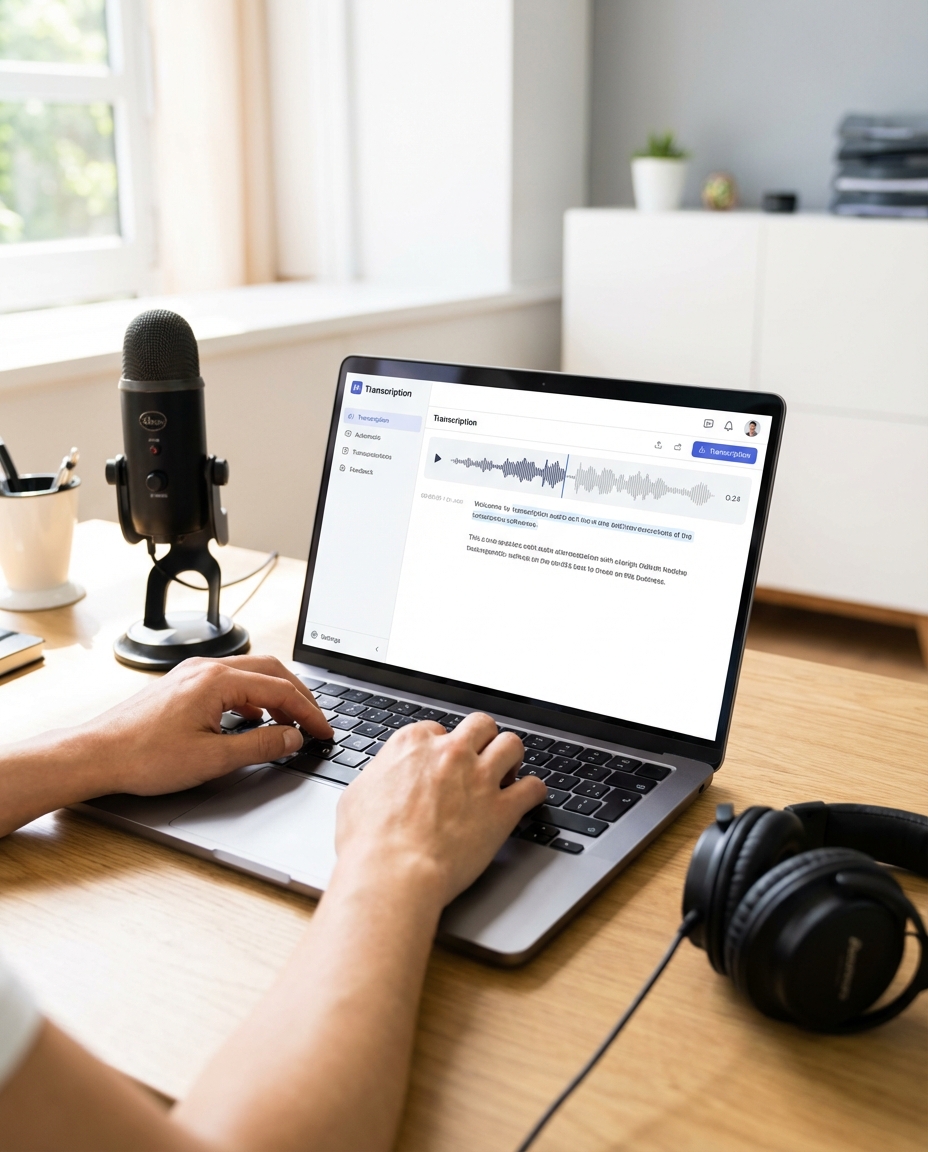
Why Voice to Text Apps Are Growing Rapidly
Audio content is everywhere:
- Podcasts
- YouTube videos
- Meetings and interviews
- Online lectures
- WhatsApp voice messages
But listening to long recordings repeatedly wastes time. That is why AI transcription tools are becoming one of the most useful productivity tools in 2026.
Pro Tip: Reading text is often 3x faster than listening to long audio recordings.
What Makes a Great Voice to Text App?
Most transcription tools fail when handling long recordings or large video files. A professional transcription platform should provide:
- Fast transcription speed
- Large file upload support
- High accuracy
- Multi-language support
- Subtitle generation
- AI summaries
- Secure cloud processing
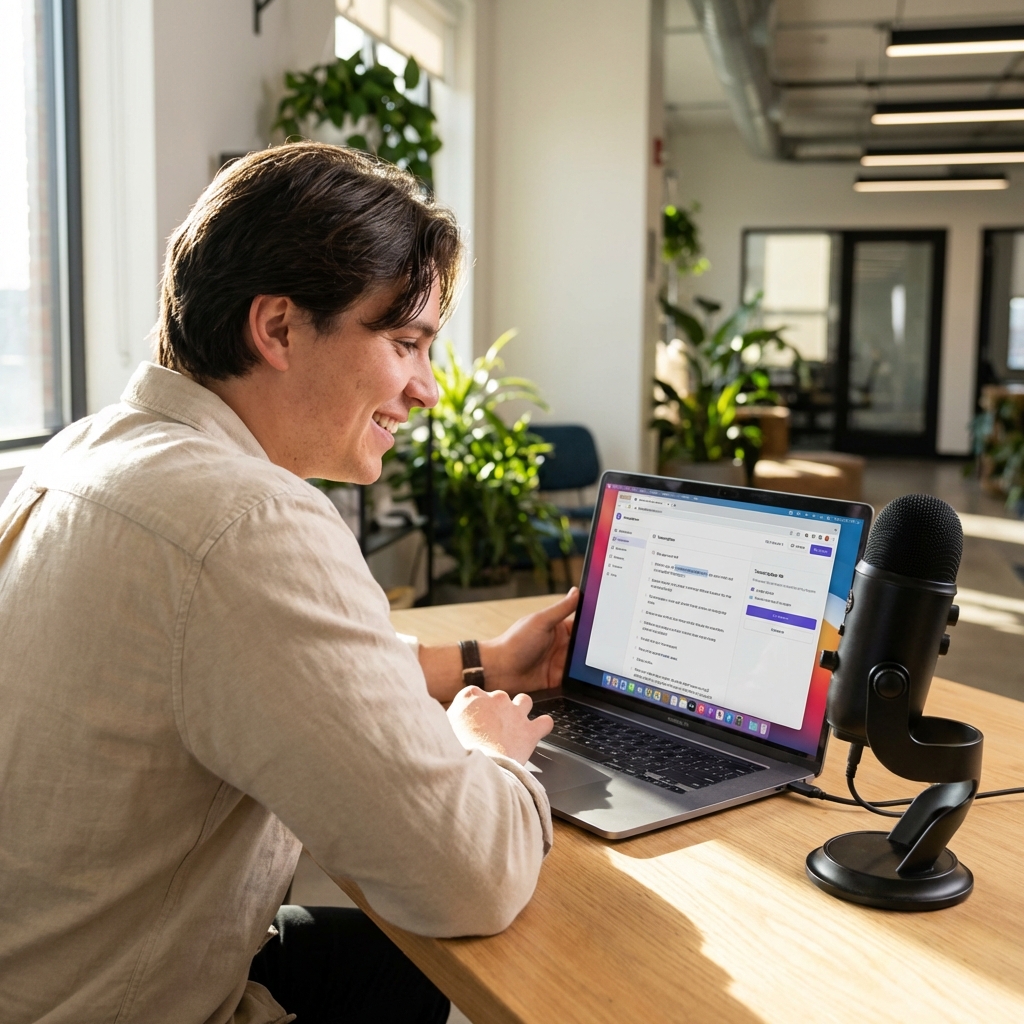
Why Speakmate Is One of the Best Voice to Text Apps in 2026
Speakmate is designed for people who work with audio and video daily. Instead of struggling with slow or limited transcription tools, Speakmate helps users convert speech into text quickly and efficiently.
Fast AI Transcription
Upload your audio or video file and get transcription results within minutes. Speakmate uses advanced AI speech recognition to deliver accurate text output.
Support for Large Files
One of the biggest problems with many tools is upload limits. Speakmate supports larger audio and video files, making it ideal for:
- Long interviews
- Meeting recordings
- Podcast episodes
- Online courses
- Webinars
- YouTube videos
Multiple Language Support
Speakmate supports multiple languages, helping global users transcribe and understand content faster.
Subtitle Generation
Need subtitles for YouTube, Instagram Reels, or videos? Speakmate can generate subtitles automatically.
AI Summary Feature
Instead of reading full transcripts, users can generate AI-powered summaries and quickly understand important points.
Who Should Use Speakmate?
- Students converting lectures into notes
- Creators making subtitles
- Businesses recording meetings
- Podcasters transcribing episodes
- Journalists handling interviews
- Writers converting voice ideas into articles
How to Convert Audio to Text Using Speakmate
- Upload your audio or video file
- Choose your preferred language
- Start transcription
- Download transcript or subtitles
Start Transcribing Large Files Today
Stop wasting hours manually typing recordings. Use Speakmate to convert audio and video into text instantly.
Start Free on SpeakmateFrequently Asked Questions
Can Speakmate transcribe large audio files?
Yes. Speakmate supports larger audio and video uploads for long recordings, podcasts, meetings, and more.
Does Speakmate support subtitles?
Yes. Speakmate can generate subtitles automatically from audio and video files.
Is Speakmate useful for YouTube videos?
Absolutely. Many creators use Speakmate to generate transcripts and subtitles for YouTube content.
Can I use Speakmate for meeting recordings?
Yes. Speakmate is ideal for meetings, interviews, webinars, and business discussions.
Final Thoughts
AI transcription is becoming a must-have productivity tool in 2026. Whether you are a creator, student, business owner, or professional, converting voice into text can save hours every week.
If you are looking for a fast, accurate, and reliable voice-to-text app with large file support, Speakmate is a powerful solution worth trying.