
How to Transcribe WhatsApp Voice Messages to Text (Fast & Easy Guide)
Learn how to transcribe WhatsApp voice messages to text quickly with AI. Follow step-by-step instructions, accuracy tips, and SEO-friendly best practices for clear transcripts.

Need to transcribe WhatsApp voice messages to text quickly? This guide shows the fastest method, accuracy tips, and practical workflows for students, teams, creators, and support teams. Instead of replaying voice notes again and again, you can convert them into searchable text in minutes.
Fastest method: Send your WhatsApp voice note (or audio/video) to SpeakMate on WhatsApp and receive the transcript back in the same chat.
Why Convert WhatsApp Voice Notes to Text?
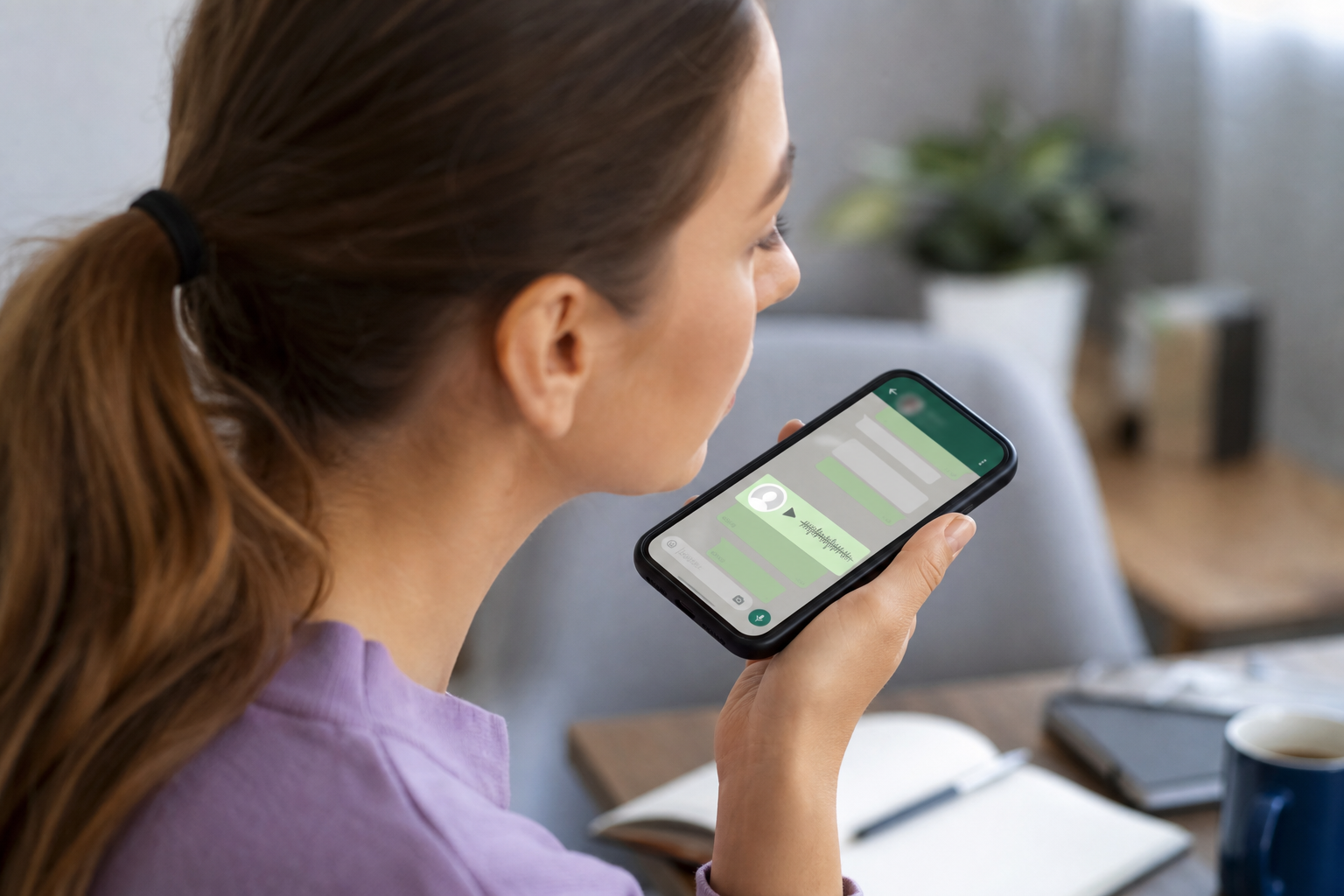
WhatsApp audio messages are convenient, but text is easier to scan, search, and share. Turning voice notes into written content helps you move faster in daily work and communication.
- Save time: Read key points in seconds instead of listening repeatedly.
- Search instantly: Find names, deadlines, and action items with a quick text search.
- Create records: Keep documented conversations for projects, client updates, and study notes.
- Improve accessibility: Useful in noisy places, quiet environments, or for hearing support.
Fastest Method: Transcribe Inside WhatsApp (No Download / Upload)
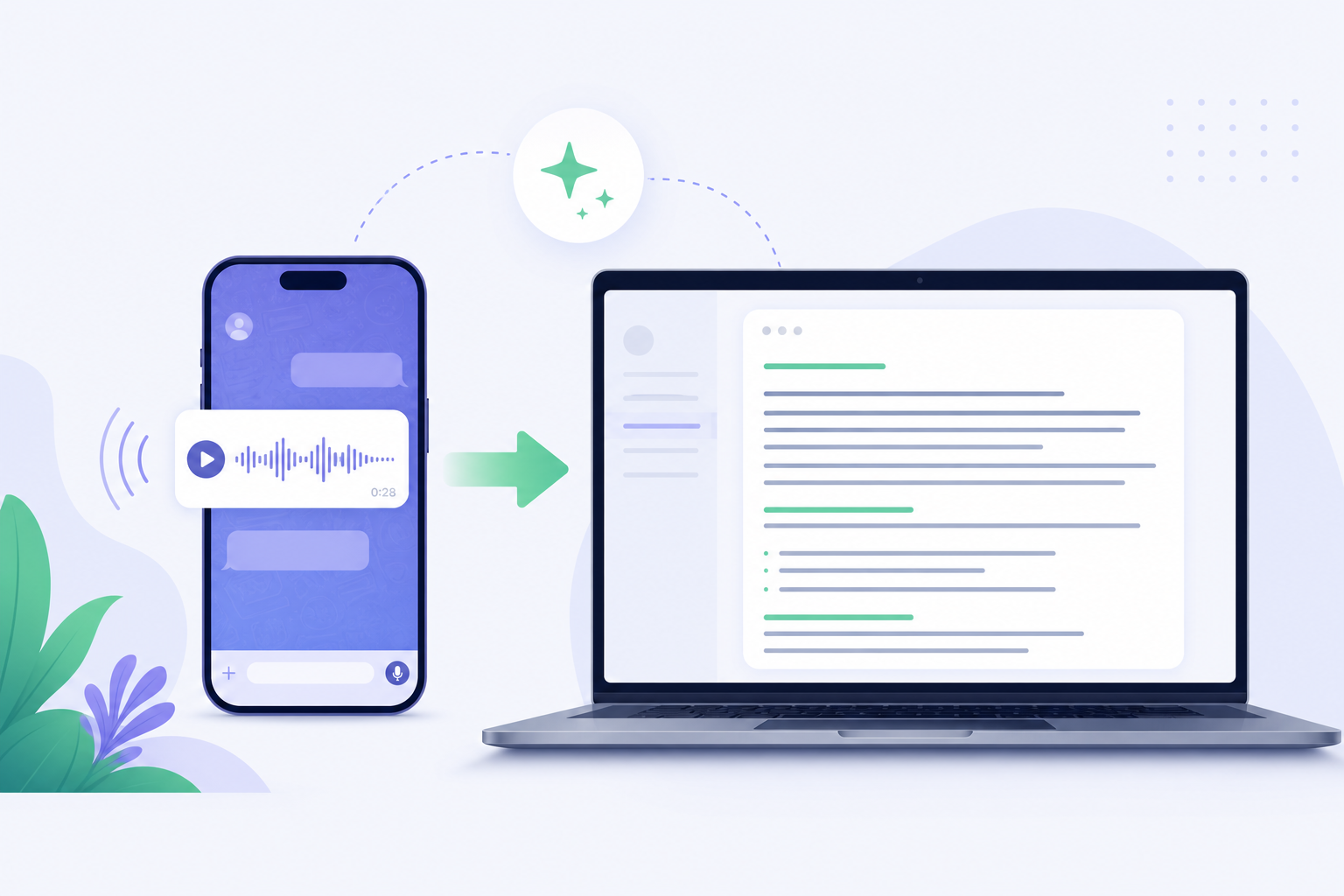
The fastest way to convert WhatsApp voice notes to text is to use SpeakMate directly on WhatsApp. You send a voice note (or audio/video file) to the SpeakMate WhatsApp number, and you receive the transcript as a reply in WhatsApp. Your transcript is also saved to your SpeakMate account (My Files) when your WhatsApp number is linked.
Step-by-Step: How to Convert WhatsApp Voice Messages to Text
- Create a free SpeakMate account: Sign up.
- Open WhatsApp Transcribe and link your WhatsApp number.
- Scan the QR code to open the SpeakMate chat on WhatsApp (or message the number shown there).
- Send a voice note, audio file, or video with speech.
- Receive the transcription as a WhatsApp reply. Your transcript also appears in My Files.
Manual Method vs AI Method
You can use built-in phone voice typing, but it is usually slower and less accurate for real-world audio. AI tools are better for productivity and professional use.
- AI transcription in WhatsApp: Send media and get a transcript reply in the same chat.
- AI transcription on the website: Better for larger files and advanced review/edit workflows.
- Manual dictation: Works for short clips, but needs quiet space and repeated playback.
File Size Notes (WhatsApp Limits)
WhatsApp has an attachment size limit. If your file is too large to send on WhatsApp, upload it on SpeakMate instead and transcribe it from the dashboard.
How to Improve Transcription Accuracy
Good input quality leads to better output. Use these tips to get clean, high-accuracy transcripts from WhatsApp voice notes:
- Upload the original file instead of screen-recorded audio.
- Reduce background noise when possible.
- Pick the correct language before transcription.
- Split very long recordings into smaller parts for easier review.
- Do a quick proofread before sharing externally.
Best Use Cases for WhatsApp Voice-to-Text
- Business teams: Convert client voice updates into actionable notes.
- Students: Turn lecturer or group voice notes into revision material.
- Content creators: Repurpose spoken ideas into social captions or blog drafts.
- Support teams: Track customer requests without replaying each audio clip.
FAQs: Transcribing WhatsApp Voice Messages
Do I need to download and upload the voice note?
No. With SpeakMate WhatsApp Transcribe, you can send a voice note/audio/video directly on WhatsApp and receive the transcript back in WhatsApp.
Where will I get the result?
You will receive the transcript as a WhatsApp reply. If your WhatsApp number is linked to your SpeakMate account, the transcript is also saved in My Files.
Can I transcribe WhatsApp voice messages for free?
Yes. Many platforms offer free trials or limited free minutes. For frequent usage, paid plans provide faster speed and higher limits.
How accurate is WhatsApp voice-to-text conversion?
With clear audio and the right language setting, modern AI tools can deliver high accuracy. Background noise and overlapping voices may reduce quality.
Can I transcribe long WhatsApp audio files?
Yes. For very large files that exceed WhatsApp attachment limits, upload on SpeakMate and transcribe from the dashboard.
Is it safe to upload WhatsApp voice notes?
Use trusted providers that explain data handling clearly. Review platform privacy terms before uploading sensitive files.
Final Thoughts
If you regularly receive voice notes, converting WhatsApp audio to text is a major productivity win. You save time, reduce missed details, and keep everything searchable. The fastest workflow is to transcribe inside WhatsApp: send a voice note and get the transcript reply back in chat.
Try SpeakMate free and then open WhatsApp Transcribe to scan the QR code and start.